


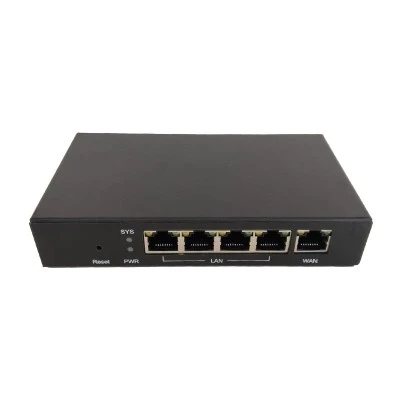
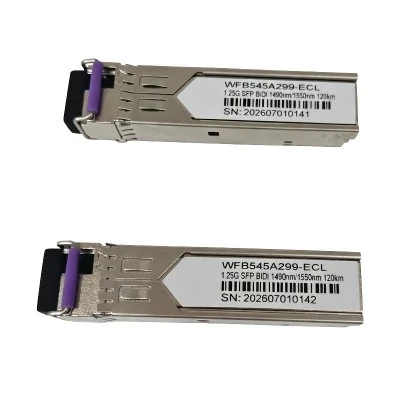

You can evaluate the quality of an Optical Network Terminal (ONT)-also known as an "optical modem"-based on the following aspects:
Observe the Indicator Lights: The status of the ONT's indicator lights can provide clues regarding the device's quality. Generally, the "Power" light should remain steadily lit; if it is blinking, this may indicate a power supply anomaly. The "PON" light should also remain steadily lit; if it is unlit or blinking, this may suggest an obstruction or issue with the optical signal path.
Network Performance: Access your network property settings to view specific details. Locate the "Connection Speed" field; the value displayed here indicates your current network speed. For instance, modern dual-band ONTs-as well as those equipped with Wi-Fi 6 capabilities-demonstrate significant improvements in both performance and stability compared to older models.
Understand the Carrier's Positioning: Internet service providers (carriers) have adopted different strategies regarding ONTs at various times. Early ONT models were often designed with cost-cutting in mind, resulting in generally mediocre stability. However, many regions are now being equipped with dual-band ONTs, which offer significantly enhanced performance and stability.
Expandability: If you are concerned that a single ONT may lack sufficient performance-and you are not strictly limited to using just one device-you have the option to purchase an optical splitter and fiber patch cords. This allows you to split the single incoming fiber-optic line to serve two or more separate ONTs.

