



Improving the Operating Environment
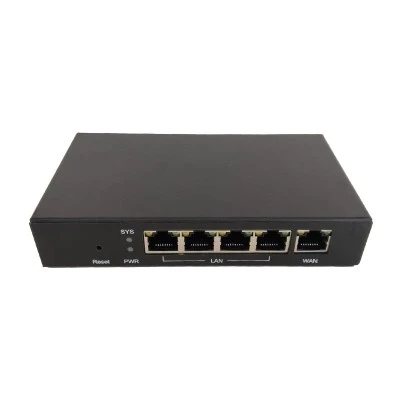
Heat Management: Place the router in an open, well-ventilated area away from heat sources; avoid enclosing it in storage boxes or cabinets. For instance, elevate the router or mount it on a wall to ensure proper airflow.
Dust and Moisture Protection: Periodically power off the router and use a soft-bristled brush to clean dust from its ventilation vents and ports; avoid placing the router in humid environments, such as kitchens or bathrooms.
Sensible Load Management
Avoid Overload: Minimize prolonged periods of full-load operation-for example, avoid using the router to host a hard drive for continuous 24/7 download tasks.
Optimize Device Connections: Promptly disable the Wi-Fi function on idle household devices-such as unused smart speakers or tablets-to reduce the load on the router.
Regular Maintenance
Device Restart: Restart the router at least once a month to free up system memory, clear temporary caches, and restore optimal performance.
Firmware Updates: Regularly visit the router manufacturer's official website to download and install the latest firmware updates, thereby patching security vulnerabilities and optimizing network performance.

