


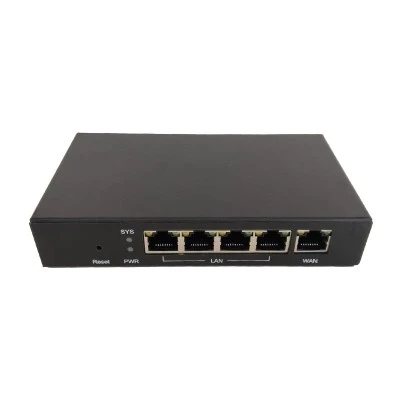
Optimize Placement: Position the router in an open, central area of your home, raised 1.2 to 1.5 meters above the floor. Keep it away from sources of interference and physical obstructions-such as microwave ovens, Bluetooth speakers, metal cabinets, and load-bearing walls. For antenna positioning: if using two antennas, orient one horizontally and the other vertically; if using three antennas, spread them out at 120-degree angles to ensure balanced coverage.
Set Up Independent Dual-Band Networks: It is recommended to disable the "Dual-Band Integration" (or "Smart Connect") feature and assign distinct network names (SSIDs) to the 2.4 GHz and 5 GHz bands. Connect high-bandwidth devices-such as smartphones and computers-to the 5 GHz network for faster speeds; conversely, connect low-bandwidth devices-such as smart home appliances-to the 2.4 GHz network to enhance coverage and stability.
Enable Strong Encryption and Change Passwords: Within the router settings, configure the wireless encryption protocol to the WPA2-PSK/WPA3-PSK mixed mode or a higher security standard. Avoid using simple, easily guessable passwords; changing your password regularly is an effective measure to prevent unauthorized access to your network.

 English
- English
- Français
- Deutsch
- 日本語
- Italiano
- Español
- Português
- русский
- 한국어
- עברית
- বাংলা
- Nederlands
- Polski
- Việt Nam
- íslenska
- Eesti
- Gaeilgenah Éireann
- Български
- हिंदी
- magyar
- hrvatski
- suomi
- Srbija jezik (latinica)
- Norsk
- România limbi
- اردو
- Ελληνικά
- slovenčina
- عربي
- dansk
- Lietuvių
- Malti
- slovenščina
- Svenska
- Čeština
- Bai Miaowen
- Latviešu
- bosanski
- Kreyòl Ayisyen
- Cymraeg
- Türkçe
- فارسی
- O'zbek
- Indonesia
- українська
- Català
- Melayu
- ไทย

